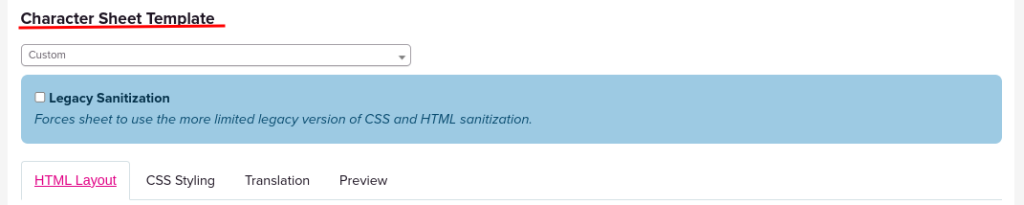
Character Sheets For Printing Download Here With Fillables Download Here Roll20 Character Sheet We have a Character Sheet available for Roll20, but it requires a few steps in order to apply it. You will need a Roll20 Pro Subscription. Step 1 Open your Game and go to Game Settings. Step 2 Go to the Character Sheet Template and select Custom. Step 3 Open the following documents and copy the code. (Ctrl A and then Ctrl C to copy the code easily). HTML Layout CodeThen Paste the HTML Layout code in the HTML Layout on Roll20.It should look something like this: Step 4 Open the following documents and copy the code. (Ctrl A and then Ctrl C to copy the code easily). CSS Styling CodeThen Paste the CSS Styling Code code in the CSS Styling on Roll20.It should look something like this. Step 5 Save the Changes! The Roll20 sheet should be available on your game now!